- Visually engaging animated videos
- Concise narrated micro-slides
- Interactive scenario-based exercises
- Real-world security incident illustrations
- Frequent knowledge checks and quizzes
Learning Objectives
By the end of this course, learners will be able to:
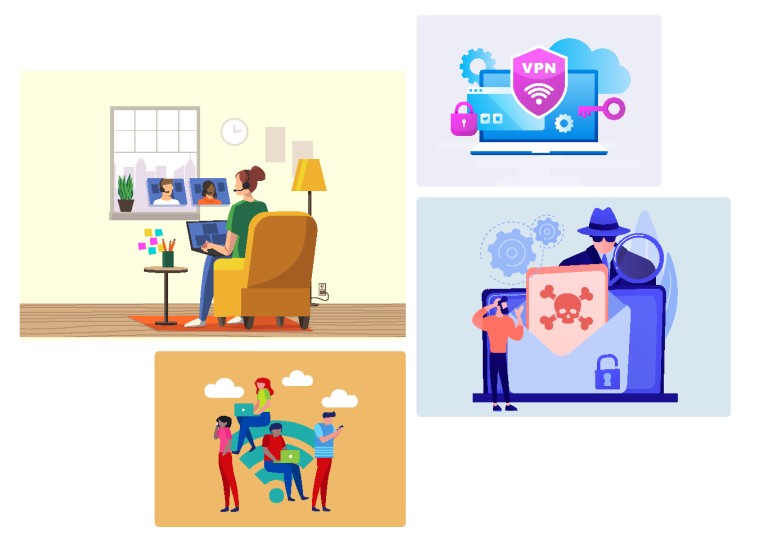
- Identify common security risks associated with remote and hybrid working environments
- Apply safe practices when using public and home Wi-Fi networks
- Secure devices and systems to prevent unauthorized access while working remotely
- Use VPN and multi-factor authentication (MFA) to secure remote access to corporate systems
- Recognize and respond appropriately to phishing and social engineering attempts
- Follow organizational guidelines on acceptable use of corporate devices and approved tools
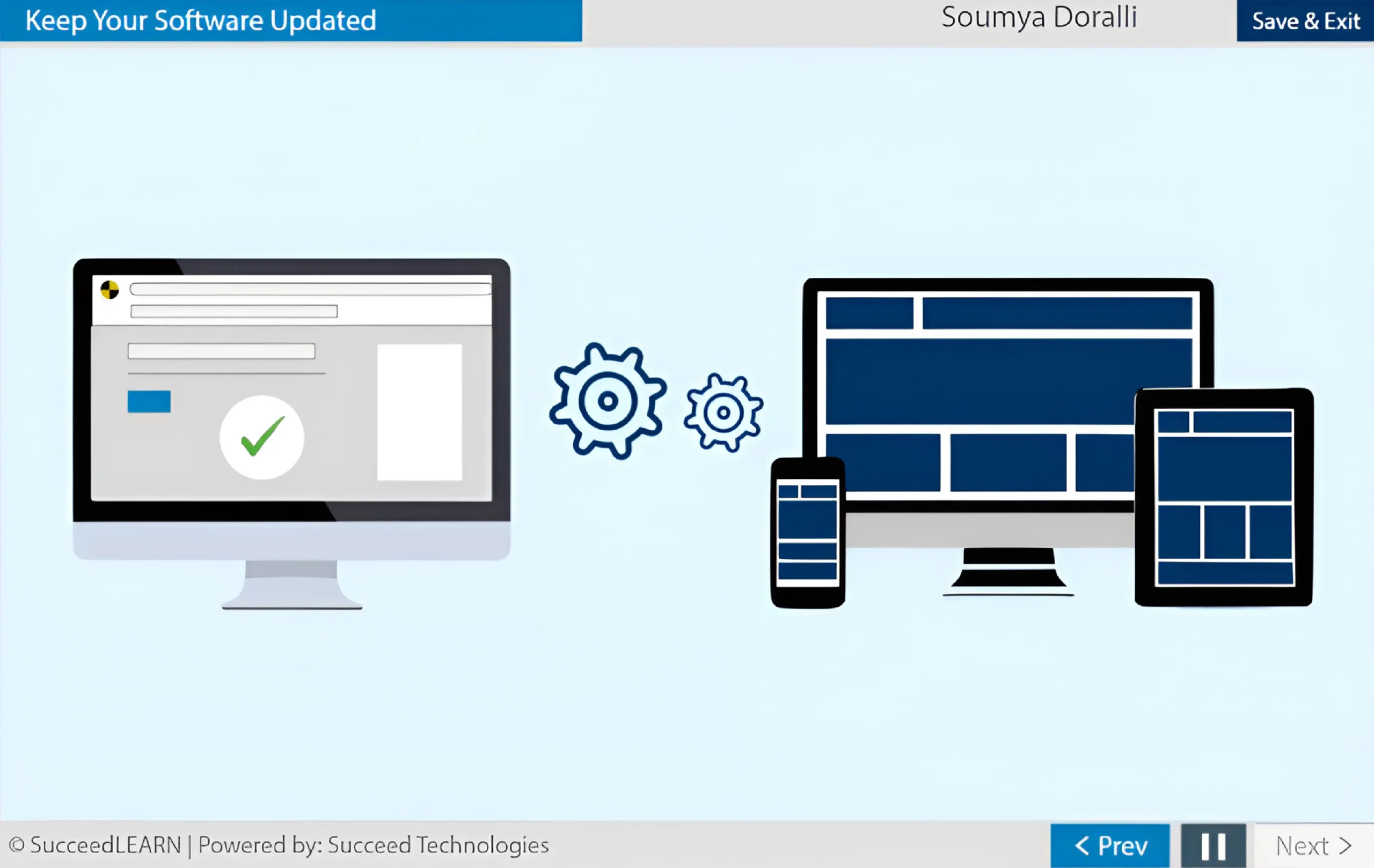
- Maintain secure systems through timely software updates and basic cyber hygiene
Why Remote Workforce Security Awareness Training?
Mitigates heightened cyber-risk arising from remote and hybrid work models
The training directly addresses the documented increase in cyber-attacks targeting employees working from home on personal devices, routers, and inadequately secured home networks. Without structured awareness, remote work materially increases the organization’s exposure to data breaches, credential theft, and unauthorized system access.
Protects confidential business, client, and personal data handled by employees daily
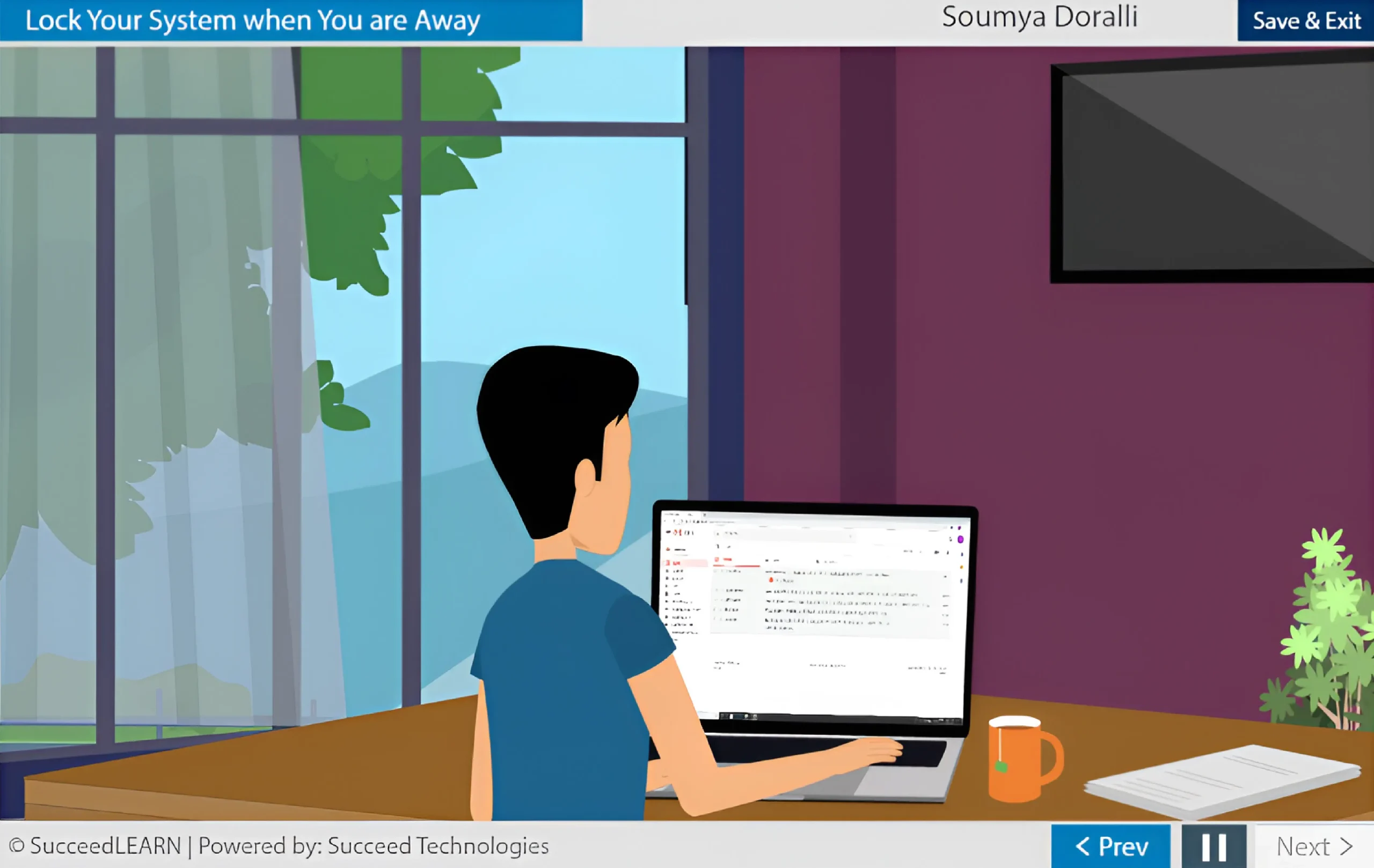
Employees routinely access sensitive organizational and client information while working remotely. The course equips them with practical security behaviors - such as avoiding unsecured public Wi-Fi, locking systems, and securing home networks - that are critical to preventing accidental data leakage and regulatory exposure.
Strengthens the organization’s first line of defense against phishing and social engineering
Despite technical safeguards, phishing emails continue to reach end users. The module trains employees to identify suspicious links, verify URLs, avoid unsafe attachments, and report suspected phishing attempts - directly reducing the likelihood of credential compromise and ransomware incidents.
Prevents malware infections originating from non-work-related device usage
The course explicitly warns against using corporate devices for personal activities such as gaming, streaming, or shopping - activities commonly associated with malware-laden websites. This reduces the risk of endpoint compromise that could spread across corporate networks.
Improves compliance with internal IT security policies
By reinforcing the requirement to use only IT-approved tools and software, the training ensures alignment with internal security governance frameworks and reduces shadow IT risks that can bypass organizational controls.
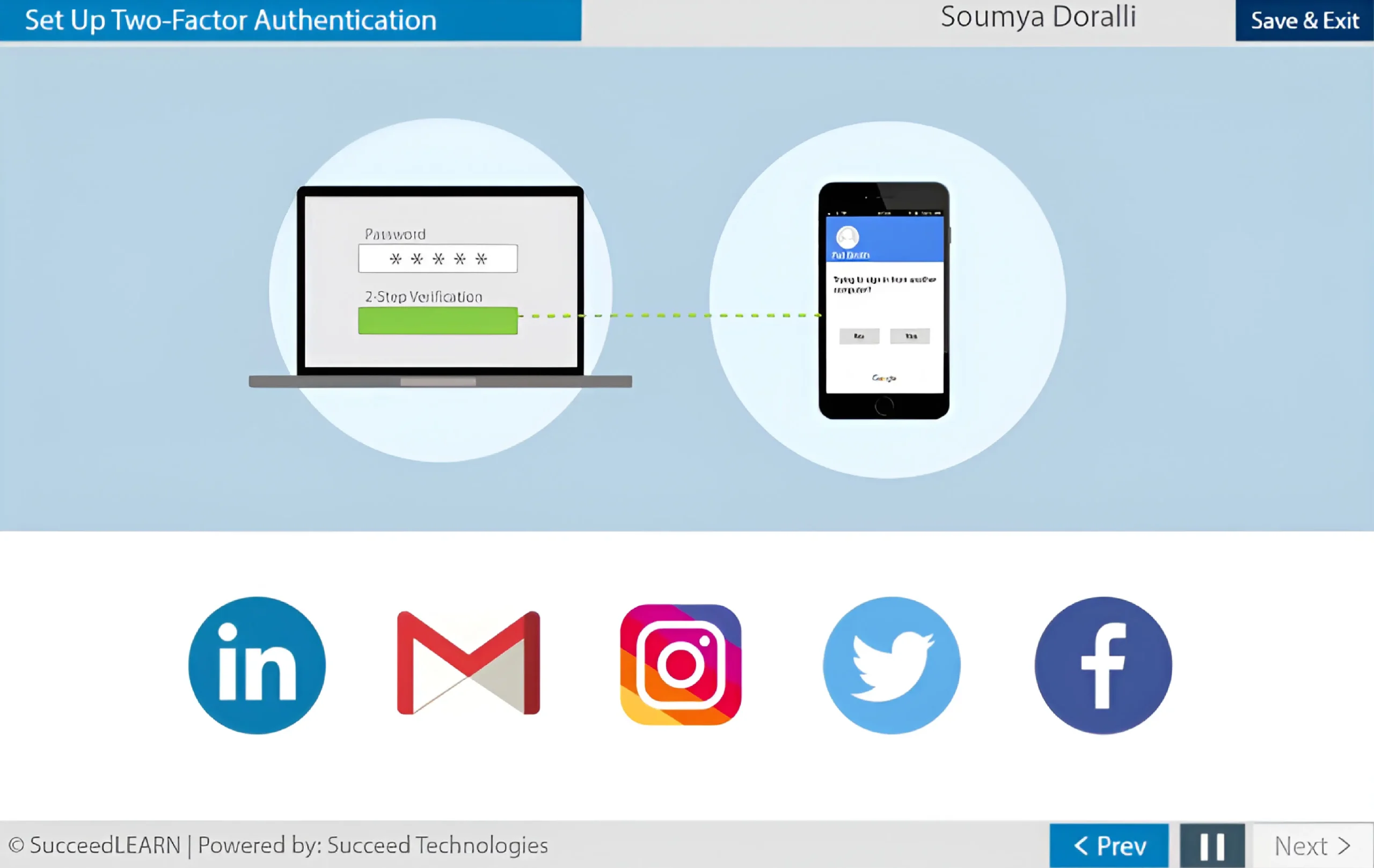
Enhances account security through adoption of multi-factor authentication (MFA)
The training explains how 2FA/MFA materially reduces the risk of account takeover even if passwords are compromised, reinforcing secure login practices across email, corporate systems, and cloud platforms.
Behavior-driven training that reduces human-error incidents
Through practical guidance, scenario-style knowledge checks, and reinforcement of do’s and don’ts, the course moves beyond policy acknowledgment to measurable behavior change, targeting the most common root cause of data breaches - employee negligence rather than malicious intent.
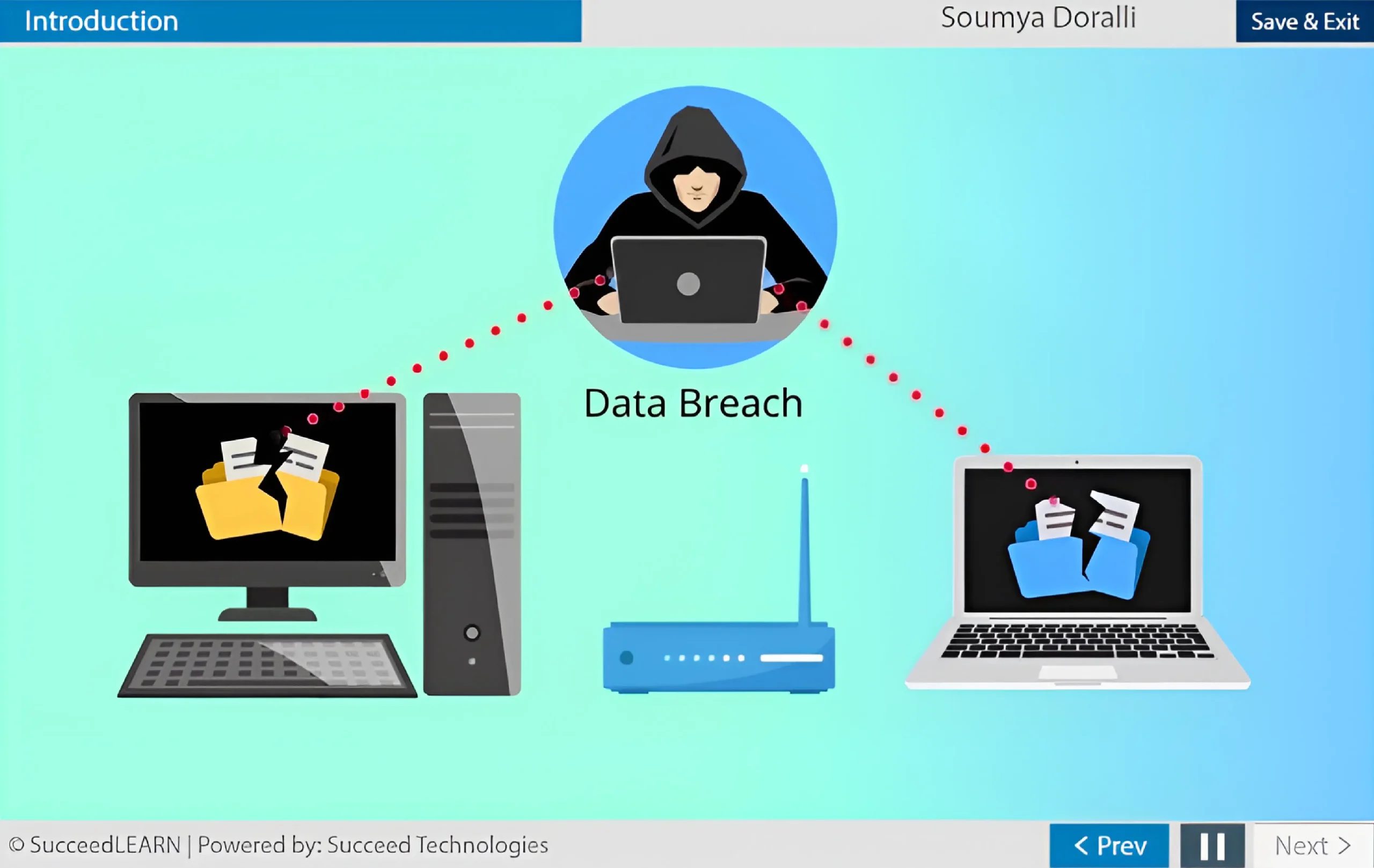
Course's Screenshots



Course Structure
Learning elements
Format & accessibility
Designed for use across desktop, tablet, and mobile devices, the solution features a centralised learner dashboard, real-time progress tracking, automated learner reminders, and smooth integration with your existing LMS or HR systems.
Certificate
On successful completion and passing the assessment, learners can generate a completion certificate as proof of training (configurable per org).
Target Audience
The Remote Workforce Security Awareness Training is tailored for:
- Employees working remotely or in hybrid work arrangements
- Staff accessing corporate systems, data, or applications from home networks
- Employees using company-issued laptops, desktops, or mobile devices
- Teams handling confidential, sensitive, or client information remotely
- Managers supervising distributed or remote teams
- New hires and existing employees requiring remote-work security awareness
Real-World Cybersecurity Incidents & Regulatory Consequences
Below are real enforcement and breach cases that clearly demonstrate the consequences of failing to implement remote-work security controls thus underscoring why increasing employee awareness on remote security is a crucial necessity:
- Marriott International (UK/EU, 2020)
Marriott was fined £18.4 million by the UK ICO following a breach affecting millions of guests. Regulators highlighted failures in protecting systems and detecting unauthorized access - issues that are closely linked to employee awareness, credential security, and remote system access controls. - Cisco (Global, 2022)
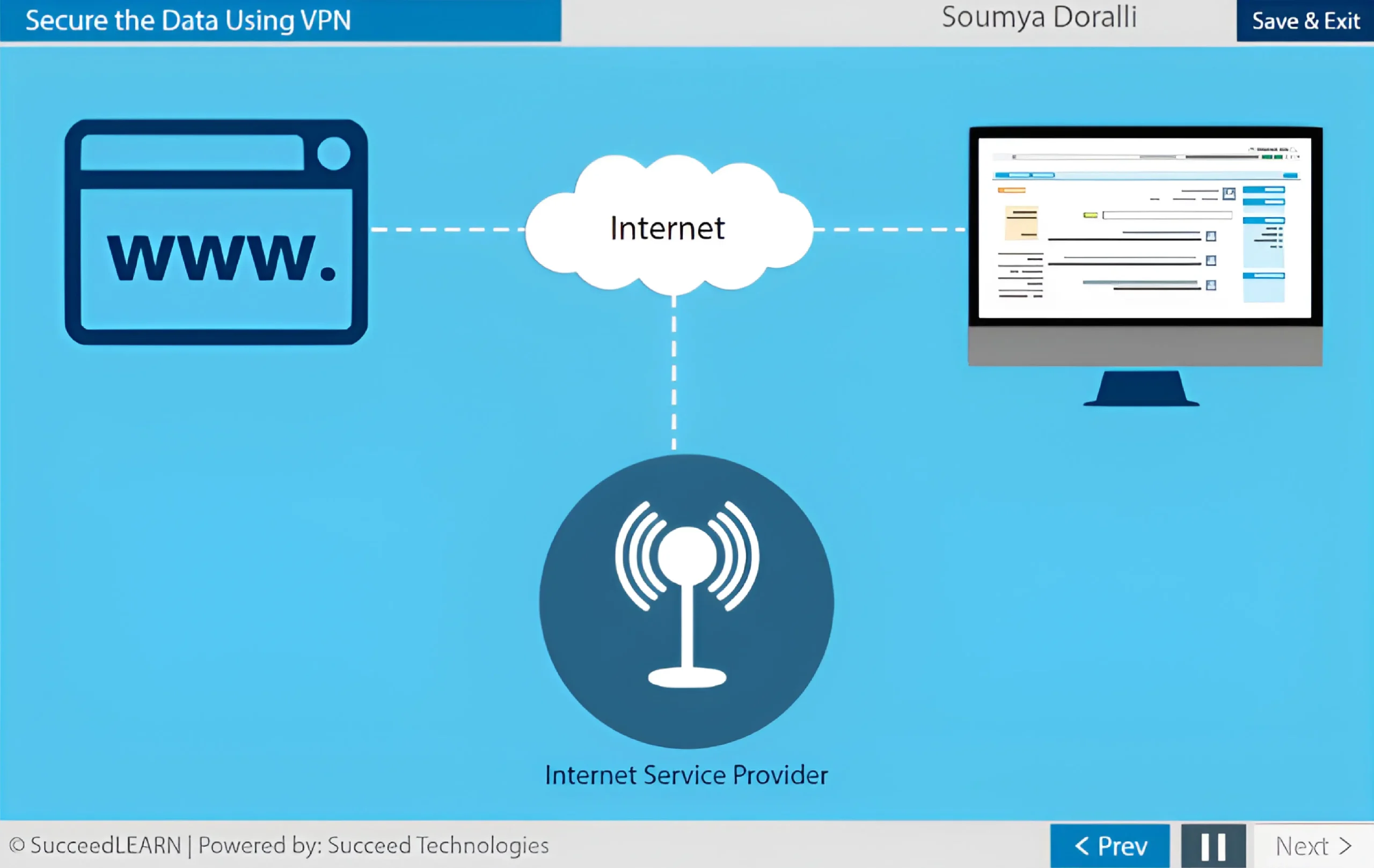
Cisco disclosed a breach caused by compromised employee credentials obtained via phishing and MFA fatigue attacks. The attacker gained VPN access, underscoring the importance of training employees on phishing recognition, VPN security, and authentication discipline which are core elements of the training.
Course Outline
Use of Public Wi-fi
Lock Your System When You Are Away
Secure your Home Wi-Fi
Avoid Personal Use of Official Resources
Secure the Data Using VPN
Keep your software updated
Set up two-factor authentication
Stay Vigilant about Phishing
See how Succeed will work for your Organization

Request a Demo
FAQs
A remote workforce refers to employees who perform their job duties outside of a traditional office environment, typically working from home or other off-site locations using digital tools and internet connectivity.
Remote employees routinely access sensitive business and client data using home networks, personal routers, and mobile environments that are outside traditional corporate controls. The training addresses high-risk behaviors such as use of unsecured Wi-Fi, unsafe browsing, and weak authentication, that significantly increase the likelihood of data breaches if left unaddressed.
Yes. The course focuses on practical, real-world risks including unsecured public Wi-Fi, poorly configured home networks, unlocked systems, phishing emails, malware-infected websites, and misuse of corporate devices, all of which are common causes of remote-work security incidents.
By educating employees on secure Wi-Fi usage, VPN enforcement, multi-factor authentication, phishing detection, device locking, and software updates, the training strengthens the human layer of security - often the weakest link in remote environments - and reduces preventable breaches caused by employee actions.
Yes. Technical controls such as firewalls, VPNs, and email filters are effective only when employees understand and correctly use them. The course ensures employees know when and how to use VPNs, recognize phishing attempts, and avoid unsafe behavior that can bypass existing security measures.
The training reinforces organizational expectations around using only approved tools and software, avoiding personal use of corporate devices, securing home Wi-Fi, and reporting suspicious activity, helping employers demonstrate consistent communication and enforcement of IT policies.
Yes. Employees are trained to identify suspicious emails, verify links, avoid unknown attachments, and report suspected phishing attempts promptly. This directly reduces the risk of credential theft, malware infections, and unauthorized access originating from email-based attacks.
Regulators and auditors increasingly expect documented employee awareness as a baseline information-security control. This course provides structured, repeatable training with knowledge checks, allowing employers to evidence reasonable preventive measures and due diligence in protecting organizational data.
The course is designed for all employees who work remotely or access corporate systems outside the office. It translates security concepts into simple, actionable guidance that non-technical users can easily understand and apply in daily work.
The Remote Workforce Security Awareness Training explains why VPNs are mandatory for accessing corporate networks, how encryption protects data in transit, and how multi-factor authentication reduces the risk of account compromise, even if passwords are stolen.
By reducing the likelihood of remote-work-related data breaches, the training helps mitigate regulatory exposure, client trust erosion, financial loss, operational disruption, and reputational damage arising from preventable security incidents.
Best practice is:
- At onboarding for remote or hybrid roles
- Annually as a refresher
- After major security incidents, policy changes, or system upgrades
This helps maintain ongoing awareness as threats evolve.
Beyond compliance, the training:
- Builds a security-aware culture
- Reduces avoidable security incidents
- Protects employee and customer data
- Strengthens organisational resilience in remote and hybrid work models
The delivery is fully flexible. If you have an in-house LMS, we can provide the course as a SCORM-compliant package. If not, we offer a seamless SaaS-based hosting option for easy access and deployment.